
Macromedia Flash Player para Mozilla
Macromedia
Screenshots
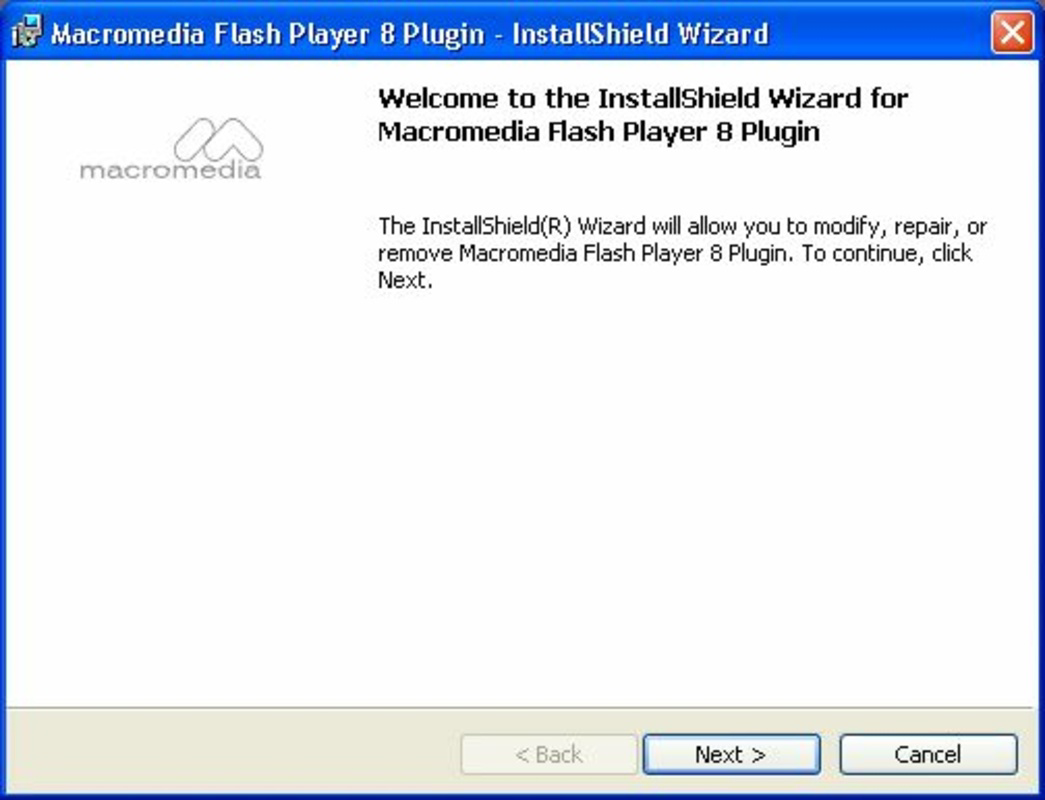

App details
- Updated
- Jun 16, 2006
- Language
- Spanish,English
- Developer
- Macromedia
- Category
- Mobile
SoftPas in:
This product is also available in the following languages:
About Macromedia Flash Player para Mozilla
Download Macromedia Flash Player para Mozilla – Flash Player, Mozilla, Firefox, multimedia, animations, games, videos, interactive content, browser plugin, web content, rich media
Overview
Macromedia Flash Player para Mozilla is a browser plug-in designed to enable the playback of Flash-based multimedia content within Mozilla and Firefox web browsers. Its primary purpose is to enhance the user’s browsing experience by supporting interactive animations, web games, and video playback that rely on Adobe Flash technology. This tool was developed by Macromedia, a company historically recognized for its leadership in digital animation and interactive media. The plug-in serves a broad audience, including both casual internet users and professionals who require access to rich media content for educational, entertainment, or work-related purposes. Real-world use cases include viewing animated tutorials, playing browser-based games, and accessing interactive presentations or web applications. In the context of the early 2000s web ecosystem, Flash Player was a foundational component for dynamic web content. Although modern browsers have since phased out Flash support, this version remains historically significant as a tool that helped shape interactive web experiences. The developer did not provide additional technical details about system integration or advanced usage beyond its core functionality.
Key Features & Functionality
- Flash Multimedia Playback: Enables the rendering of Flash animations, interactive videos, and web-based games directly within Mozilla and Firefox browsers, ensuring consistent content delivery across platforms.
- Browser Integration: Seamlessly integrates with Mozilla and Firefox, allowing users to access Flash content without requiring external applications or complex configurations.
- Free Accessibility: The plug-in is distributed at no cost, promoting widespread access to interactive web content and supporting inclusivity across different user groups.
- Support for Rich Media Content: Facilitates the display of dynamic web elements such as interactive advertisements, educational modules, and multimedia presentations.
- Background Operation: Functions efficiently in the background, minimizing user intervention while maintaining smooth playback and responsiveness during browsing.
For example, a student using Firefox could access an interactive science simulation built with Flash, or a casual user could play a browser-based puzzle game without downloading additional software. The plug-in’s design prioritizes ease of use and reliability, making it suitable for users with varying levels of technical expertise. Its role in enabling rich media experiences on the web was critical during its active period. Although the developer did not list specific performance benchmarks or compatibility with newer web standards, the functionality described aligns with the plug-in’s intended use case in legacy web environments.
Interface, UX & Performance
The user interface of Macromedia Flash Player para Mozilla is minimal and designed to operate transparently within the browser environment. It does not feature a standalone UI, relying instead on integration with Mozilla and Firefox to manage content rendering. Navigation is handled entirely through the browser, ensuring a consistent experience for users familiar with these platforms. The plug-in operates in the background, requiring no direct user interaction once installed, which enhances usability for non-technical audiences. While the developer did not list formal performance metrics, the plug-in was engineered to deliver stable playback of Flash content under typical usage conditions. Responsiveness is expected to vary based on device capabilities and network speed, but the design prioritizes smooth playback for standard Flash animations and games. Stability is maintained through dedicated browser integration, reducing the likelihood of crashes during content loading. Although the developer did not specify minimum OS requirements or performance optimization details, the plug-in’s lightweight footprint of 3.5 MB suggests efficient resource usage. Compatibility information was not fully disclosed, but its targeted support for Mozilla and Firefox indicates a focus on specific browser ecosystems.
Platform Compatibility & Technical Requirements
Macromedia Flash Player para Mozilla is designed for use with Mozilla and Firefox web browsers. The application is available in a version 1.0, with a file size of 3.5 MB. The developer did not specify minimum OS requirements, nor did they list compatibility with specific operating system versions. As such, it is unclear whether the plug-in supports modern operating systems or only legacy environments. The platform is explicitly tied to Mozilla-based browsers, meaning it is not intended for use with other browser types such as Chrome, Safari, or Edge. The developer did not provide additional technical details regarding hardware requirements, memory usage, or installation prerequisites. Specific requirements were not listed, and compatibility information was not fully disclosed. Users should exercise caution when installing legacy software on current systems due to potential security and stability concerns. The plug-in’s release date of June 16, 2006, indicates it is no longer supported and may not function properly on contemporary devices or updated browser versions.
Pros and Cons
Pros
- Free to download and use, making it accessible to a wide range of users.
- Designed specifically for Mozilla and Firefox, ensuring seamless integration.
- Enables playback of Flash-based animations, games, and videos.
- Minimal interface reduces user complexity and enhances usability.
- Lightweight file size of 3.5 MB supports efficient installation.
Cons
- Released in 2006, making it outdated and incompatible with modern systems.
- No official support or updates since its initial release.
- Not compatible with current browsers that have removed Flash support.
- Security risks may arise from using outdated software.
- Developer did not provide detailed technical specifications or system requirements.
FAQ
Is Macromedia Flash Player para Mozilla safe to install?
While the plug-in was originally distributed by Macromedia, its release date in 2006 means it is no longer supported. Installing legacy software may pose security risks, especially on modern systems. Users should exercise caution and ensure their device is protected with updated antivirus software.
Can I use this plug-in on current browsers?
Modern versions of Firefox, Chrome, Safari, and Edge no longer support Flash Player. This plug-in is designed for older Mozilla-based browsers and may not function properly or at all on current browser versions.
Is Macromedia Flash Player para Mozilla free?
Yes, the plug-in is completely free to download and use. It was distributed without cost to promote access to Flash-based multimedia content.
What kind of content can I play with this tool?
This plug-in enables playback of Flash animations, interactive web games, videos, and other rich media content that were developed using Adobe Flash technology.
How do I install Macromedia Flash Player para Mozilla?
Installation typically involves downloading the plug-in file and enabling it within the Mozilla or Firefox browser settings. However, specific steps were not provided by the developer, and the process may vary depending on the system and browser version.
Final Thoughts + CTA
Macromedia Flash Player para Mozilla was a pivotal tool in the early days of interactive web content, enabling users to experience rich media directly within their browsers. While its functionality remains relevant in historical and educational contexts, its age and lack of modern support make it unsuitable for current use. The plug-in’s lightweight design, free access, and targeted compatibility with Mozilla and Firefox reflect its original intent to democratize access to Flash-based experiences. However, users today should be aware that this software is obsolete and may introduce security vulnerabilities. For those studying web history or maintaining legacy systems, it may serve as a useful reference. For all others, modern alternatives are strongly recommended. Download Macromedia Flash Player para Mozilla now if you are working within a legacy environment, but proceed with full awareness of its limitations.
Guides & Tutorials
How to install Macromedia Flash Player para Mozilla
- Click the Download button above.
- Once redirected, accept the terms and click Install.
- Wait for the Macromedia Flash Player para Mozilla download to finish on your device.
How to use Macromedia Flash Player para Mozilla
This software is primarily used for its core features described above. Open the app after installation to explore its capabilities.
User Reviews
No reviews yet. Be the first to share your experience.
You may also like
more
Que no te pillen¡
About !Que no te pillen¡Reviewed by Jason A. BilbreyShow MoreShow Less

3D Combat Zone
About 3D Combat ZoneOriginally released in 1983, 3D Combat Zone immerses players...

666: El día del portal
About 666: El día del portalOn June 6, 2006, Agent P. Stone uncovers a sinister...

80 in 1 Best Flash games
About 80 in 1 Best Flash games 80 in 1 Best Flash games is a collection of 80 fl...

ABYSS SEEKERーーWhat Do You See Deep in The Abyss
About ABYSS SEEKERーーWhat Do You See Deep in The AbyssIn ABYSS SEEKER, players...

ACA NEOGEO THE KING OF FIGHTERS 2002 for Windows
About ACA NEOGEO THE KING OF FIGHTERS 2002 for WindowsTHE KING OF FIGHTERS 2002,...